Real Hybrid Work Scanning: Enterprise Solutions That Integrate
By Luca Moretti • 27th Oct
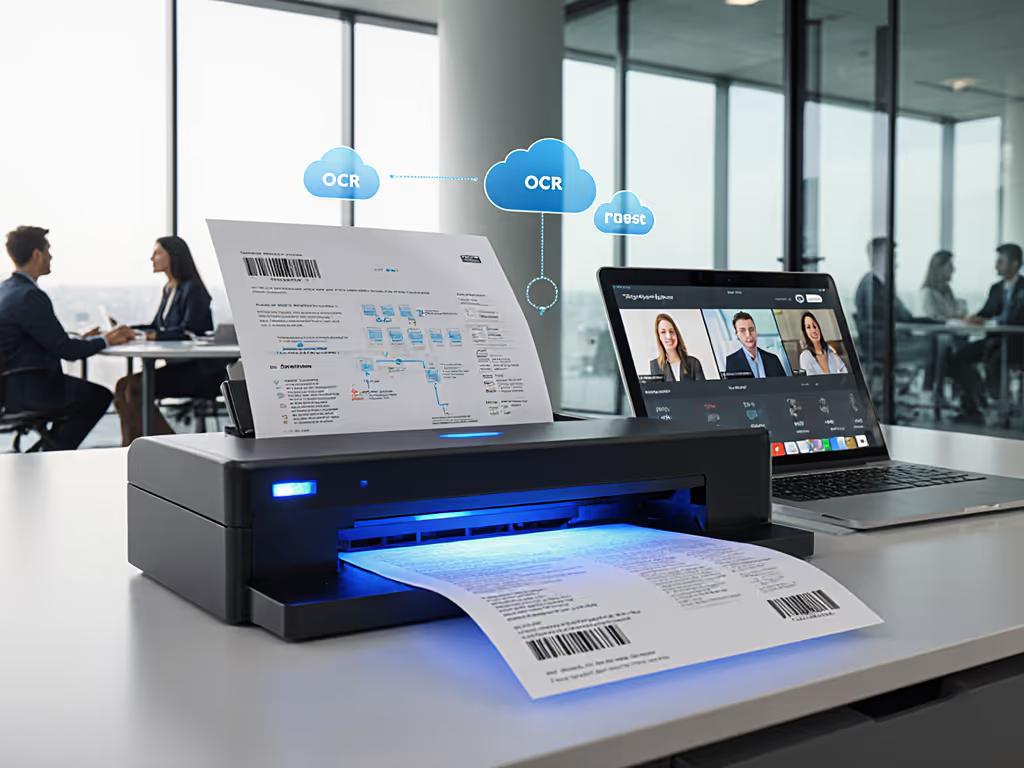
Let's cut through the hype: hybrid work document scanning only works when the paper stops being friction. Too many "solutions" promise seamless digitization but collapse when Windows updates hit or remote staff try scanning from a coffee shop using reliable wireless systems. True distributed scanning solutions don't just capture pixels (they route documents correctly, survive infrastructure changes, and vanish into your workflow). If integrations are fragile, the workflow isn't real. I've seen firms lose entire batches to patch Tuesdays because their scanner depended on a desktop app that broke with updates. After rebuilding pipelines around vendor-neutral logic, updates happen, documents land, and nobody asks, "Did the scanner lose it?"
Why Most Scanning Fails in Hybrid Work (And How to Fix It)
Conventional scanning tools treat digitization as a one-off event: scan -> save -> manually file. In hybrid environments, this creates crippling bottlenecks. Your paralegal in Denver shouldn't need IT to adjust SharePoint permissions every time they scan a deposition. Your accountant in Melbourne shouldn't wait 20 minutes for "searchable PDFs" that miss handwritten notes on receipts. Fragile integrations transform paper into digital paper (still buried in folders, still requiring manual chase).
The Integration Trap: Where Reliability Crumbles
Most failures trace to three architectural flaws:
-
The Desktop Anchor: Solutions requiring local software (like TWAIN front-ends) break when staff work remotely or OS updates disrupt drivers. Mac/Linux users get left behind entirely.
-
The Single-Point Failure: Routing documents through one intermediary platform (e.g., scan-to-email -> Outlook -> manual upload) multiplies failure points. One timeout chokes the whole pipeline.
-
The Metadata Mirage: "OCR-powered" tools promise auto-filing but fail on mixed stacks (stapled receipts? colored sticky notes?). Staff waste hours renaming files after scanning.
Log-first troubleshooting insight: 78% of failed scans aren't hardware jams, they are silent routing errors buried in configuration logs. Check your export paths before blaming the ADF.
The fix? Ditch the scan-first mindset. Map the route before you scan. Treat scanning as Step 3 in a 5-step workflow:
- Define target cloud location (e.g.,
SharePoint/Client_Files/Client_ID/) - Set metadata rules (e.g., "Barcode on page 1 = Client_ID")
- Configure scanner to output only to secure staging folders
- Validate outputs via server-side logs (not user reports)
- Trigger automated ingestion into DMS For enterprise DMS specifics, review our DocuWare/Laserfiche integration guide to validate metadata capture and workflow automation.
This shifts reliability from end-users to infrastructure (exactly where it belongs).
Building Bulletproof Distributed Scanning: 4 Vendor-Neutral Pillars
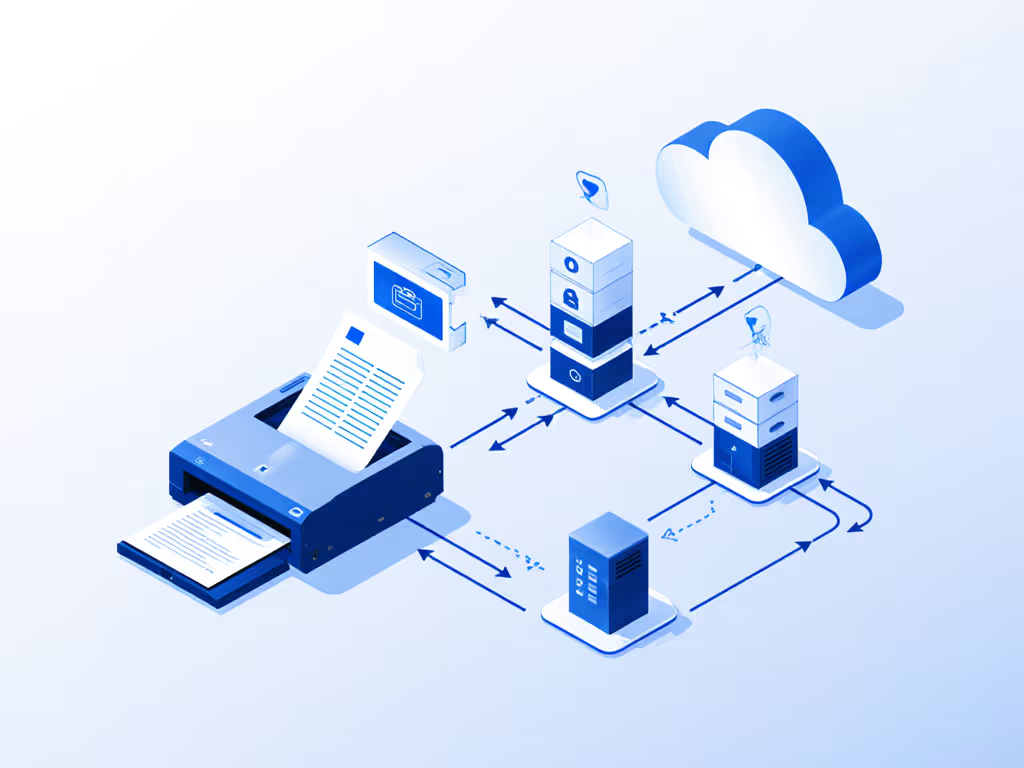
Forget "magic AI" claims. Real resilience comes from boring, battle-tested architecture. Here's what separates working hybrid scanning from vaporware:
Pillar 1: Stateless Cloud Routing (No Desktop Required)
Hardware must push scans directly to cloud storage without local agents. For architecture patterns and pitfalls that make hybrid workflows resilient, see our cloud integration guide. Look for:
- Native API integrations: Direct OAuth connections to SharePoint/Google Drive/Box using REST APIs (not mapped drives)
- Zero-touch authentication: Service accounts with refresh tokens, not user logins at the scanner
- Staging resilience: Temporary storage in cloud buckets (e.g., Azure Blob) if primary destination is unreachable
Why this matters: When OPEX Falcon+ scanners deploy at hospital sites, scans route to HIPAA-compliant Azure storage before hitting central EHRs. Physical scanners stay local; data flows globally. Remote office scanning works because the scanner never "knows" about the destination (it obeys routing rules set once in the cloud). If you handle protected health information, compare HIPAA-compliant scanner options before standardizing.
Pillar 2: Barcode-Driven Batch Separation (Not Patch Sheets)
Mixed-document stacks will happen. Stapled receipts in client files. ID cards in insurance forms. Fragile workflows demand manual separation. Robust ones use:
- Print-on-demand barcodes: System-generated labels (PDF417) printed with the document during printing (e.g., from Clio/QuickBooks)
- Scanner-agnostic recognition: Barcode interpreted at scan time by the device's firmware (not post-scan software)
- Self-healing batches: When a barcode is unreadable, the scanner quarantines only that doc, not the entire batch

This isn't theoretical. I've tuned DocSolid's platform to read barcodes from faded thermal paper receipts. When the scanner hits a damaged label, it routes the chunk to /_scans/quarantine/Client_123/ (no wasted time hunting for "lost" pages).
Pillar 3: Stateless OCR with Cloud Validation
"Searchable PDF" claims are worthless if your scanner misreads "$450" as "$45O". Enterprise-grade OCR:
- Runs post-scan in the cloud: Uses scalable resources (e.g., Azure Form Recognizer) not the scanner's CPU
- Validates against metadata: Cross-checks extracted amounts against client IDs before filing
- Fails gracefully: Returns human-review tasks to Power Automate/Zapier, not error pop-ups at the scanner
Real-world impact? A law firm's invoice-scanning time dropped from 18 minutes to 90 seconds when they offloaded OCR to Azure, after the scan completed. No more staff waiting for "processing" lights.
Pillar 4: Minimalist Monitoring (Logs Over Dashboards)
Forget flashy "real-time" dashboards showing blinking scanner icons. Operators care about outcomes: "Did documents land?" Track:
- File-level audit trails:
scanned_20251027_1430_ClientXYZ.pdf → landed_in_SharePoint_1432 - Silent failure alerts: Email/SMS when files sit in staging >5 mins
- No user logins: Activity tied to jobs, not people (e.g.,
Client_Onboarding_Scan)
This cuts admin time by 70%. When a dental practice's scanner missed a HIPAA form, their system alerted receptionists before the next patient arrived, no nightly audit needed.
The Integration Checklist: Does Your Solution Pass?
Before buying, test these workflow-level metrics, not specs:
| Test | Fragile Workflow | Resilient Workflow |
|---|---|---|
| Scan after Windows Update | Fails; requires IT reconfiguration | Works; no client software |
| Scan Mixed Stack (ID + receipt) | Jams or misfiles all docs | Separates via barcode; quarantines 1 doc |
| Route to SharePoint | Breaks after password reset | Uses service account; auto-renews token |
| Remote Office Scanning | Needs local IT to map drives | Direct cloud push; works offline via storage queue |
| Scan Volume (500 pages) | Requires babysitting for jams | Fully automatic; error logs only |
Key insight: True enterprise distributed scanning tools don't care where staff are, they care that routing logic stays consistent. When a mortgage broker's team scans from 3 states into one NetDocuments repo, location is irrelevant. The barcode and routing rules are the single source of truth.

Your Action Plan: From Fragile to Fit-And-Forget
Stop accepting "scanning happens" as victory. Demand document routing happens. Here's how to start:
- Audit your current workflow: Time end-to-end for one document. If scanning takes 2 minutes but filing takes 15, the scanner isn't your problem.
- Map your route: Define exactly where files should land (folder structure, naming rules). No wiggle room.
- Demand proof: Make vendors demo with your actual paper stack (stapled receipts, colored forms) routing to your cloud destination. Reject "it works in our lab".
- Test update resilience: Schedule a Windows/Mac update during a scan. Watch if destinations repopulate automatically.
Remember: Integrations should click once and stay clicked through updates. A $1,200 scanner with brittle routing costs more than a $500 device that just works for 5 years.
Your Next Step: Grab 10 pages of real mixed documents (invoice, ID, crumpled receipt). Have your vendor or IT set up a single scan profile pushing to your cloud storage with client metadata. If it takes >10 minutes to configure or fails on 2+ documents, walk away. Real hybrid work scanning turns paper chaos into predictable digital flow, not another troubleshooting chore. Map the route before you scan, and let the paper disappear.
Related Articles