Seamless Scanning Workflows for Digital Nomads
By Taye Okonkwo • 12th Dec

Picture this: you're settling into a café in Lisbon after a flight from Bangkok, ready to tackle last week's paperwork pile. But your digital nomad scanning process feels like running an obstacle course (jammed receipts, misnamed files, and documents that vanish into cloud folders you'll never find again). You need borderless document workflows that work as fluidly across time zones as your passport does. After helping dozens of location-independent professionals build systems that survive Monday mornings (and midnight deadlines), I've learned that true scanning freedom comes from workflows anyone can run, even when jet-lagged. Let's solve your biggest pain points together.
Why Does My Scanning Workflow Keep Breaking While Traveling?
You're not imagining things (scanning workflows often crumble under nomadic conditions because they're built for static offices, not border-hopping professionals). Most systems fail when they rely on:
- Location-specific network configurations (your home Wi-Fi settings won't help in a Bali co-working space)
- Fragile cloud connections that require constant re-authentication
- Manual steps that multiply with time zone fatigue
Instead, design for the worst-case scenario: a 3 AM scan session in a noisy hostel with spotty Wi-Fi. For a deeper look at connection stability across brands, see our wireless scanning systems comparison. Ask yourself: "If I were operating on two hours of sleep, could this workflow still deliver one button, predictable result?"
If it's fiddly, it won't survive Monday morning (which for nomads means every single day).
The Nonprofit Lesson That Changed Everything
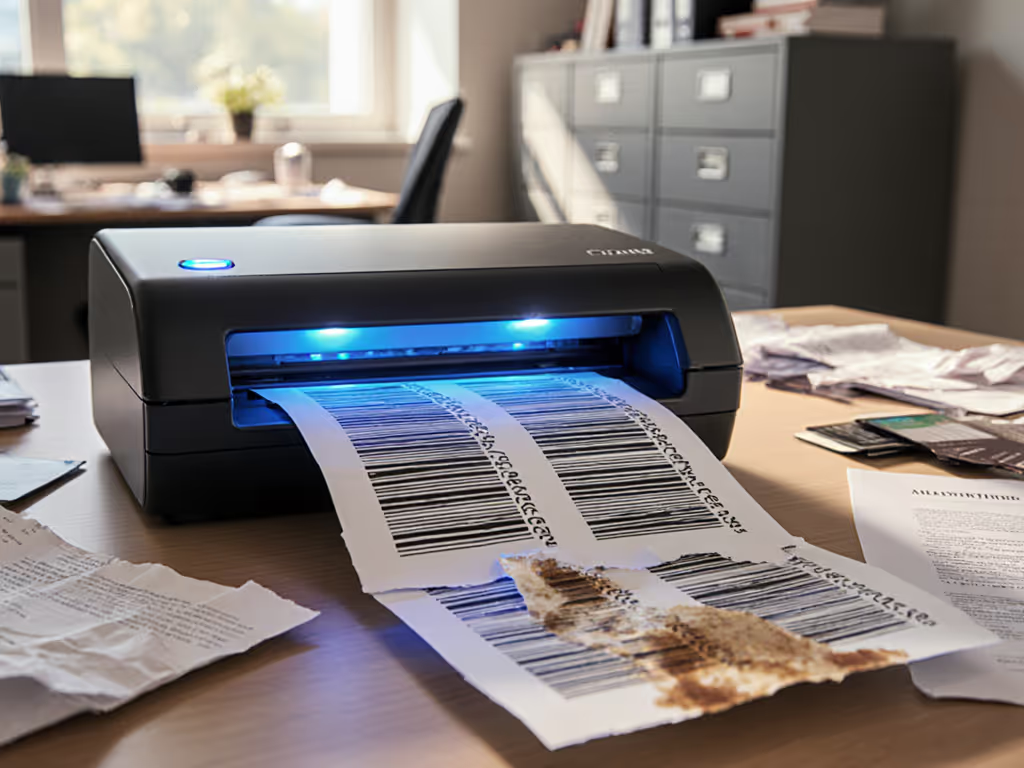
At a busy intake center, volunteers dreaded scanning until we mapped their actual movements (not their "ideal" process). We discovered their real pain point wasn't the scanner, it was reconciling different paper formats across multiple locations. Adding barcode coversheets and a single profile button turned their backlog into searchable Drive folders before lunch. Your turn: look beyond the device to the human steps between document and destination.
How Do I Create Truly Borderless Document Workflows?
The magic happens when your system assumes you'll lose internet, switch countries, or need to hand off scanning to a colleague. Here's how to build that resilience:
Automate the Invisible Steps
Most nomads focus on the scan itself but lose time on what happens next:
- Pre-configure your naming rules to capture essentials like
ClientName_ExpenseDate_Location - Embed location data through simple prompts ("Where was this document created?")
- Route based on document type, not manual folder hunting
When you automate these steps, your receipts from Tokyo automatically land in your accounting platform's correct project folder (no geography required). To route scans directly into cloud storage and business apps reliably, follow our guide to scanner cloud integration.
Design for Mixed-Paper Chaos
Your coffee-stained boarding pass shouldn't derail scanning your client contract. Combat this with:
- Scan profiles for common document types (receipts, passports, contracts)
- Blank page removal that actually works with thin paper receipts
- One-touch skew correction for documents snapped on a moving train
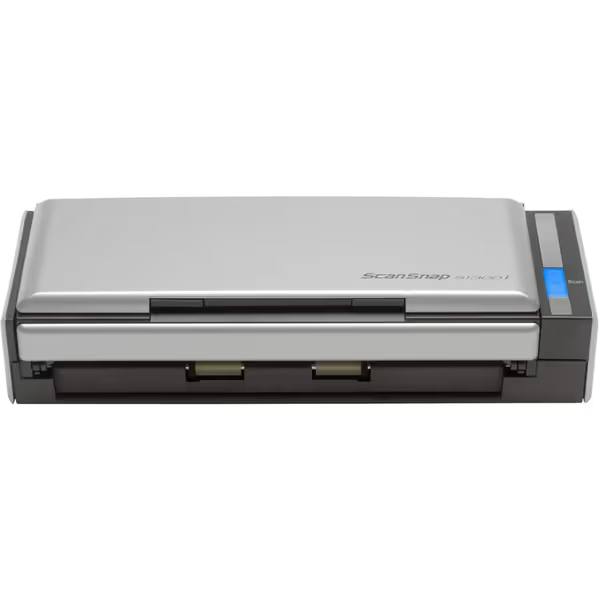
Fujitsu ScanSnap S1300i
Effortless document scanning: fast, portable, and cloud-ready for efficient workflows.
$322.94
Scanning Speed12 ppm (double-sided)
Scanning Speed12 ppm (double-sided)
Pros
Quick one-touch scanning and setup keeps workflows moving.
Compact, portable, and USB-powered for any workspace.
Reliable duplex scanning with intelligent image processing.
Cons
10-page ADF might be limiting for large batches.
Specific software features may vary between Mac/PC.
Customers find the scanner delivers great quality scans and works as advertised, with one noting its flawless performance. The device is simple to use, takes less than a minute to be ready, and can scan double-sided color documents quickly. They appreciate its compact size that stays out on the desk, and its ability to handle multiple pages at once. Customers consider it worth the price tag and like its scanning capabilities, particularly its two-sided multi-page scanning feature.
Customers find the scanner delivers great quality scans and works as advertised, with one noting its flawless performance. The device is simple to use, takes less than a minute to be ready, and can scan double-sided color documents quickly. They appreciate its compact size that stays out on the desk, and its ability to handle multiple pages at once. Customers consider it worth the price tag and like its scanning capabilities, particularly its two-sided multi-page scanning feature.
I've seen travelers waste hours renaming "Scan_20231205_001.pdf" files. With the right configuration, your scanner recognizes a receipt format and applies your naming convention automatically, making multi-country document management feel effortless.
What's the Simplest Way to Avoid Scanning Nightmares on the Road?
Forget "pro" features that require engineering degrees. Focus on three non-negotiables for location-independent scanning:
1. Reliable Direct-to-Cloud Routing
Your workflow should work whether you're in a Paris apartment or a Vietnamese internet café:
- Test connections to your primary cloud storage before you leave home
- Store credentials securely in your password manager (not sticky notes!)
- Verify your scanner's Wi-Fi reliability with signal strength tests
2. Foolproof OCR for Global Documents
Your scanning solution must handle:
- Mixed languages (Japanese receipts + English contracts)
- Currency symbols across borders
- Handwritten notes on boarding passes
- Stamps and seals common in official documents
The best systems process these without special configuration, just drop the document and scan. If multilingual accuracy matters, start with our guide on reliable OCR for searchable scans.
3. Physical Resilience for Nomadic Life
Your equipment must survive:
- Bag shocks during transit
- Humidity changes between climates
- Power inconsistencies (USB-powered scanners excel here)
Look for devices that continue processing when briefly disconnected (essential for global remote work scanning in unstable environments).
How Can I Ensure My Workflow Survives Busy Travel Days?
Your scanning system should work when you're exhausted, in a hurry, or teaching someone else. The secret is nomadic document capture designed for the least tech-savvy person on your team:
Build Your "Jetlag Test" Checklist
Before any trip, verify your workflow passes these: For hands-free capture on red-eye days, check our picks for voice-controlled scanners.
- ✅ Can I complete the entire process using only voice commands?
- ✅ Will it work if cloud sync fails temporarily?
- ✅ Can I explain it to a colleague in under 2 minutes?
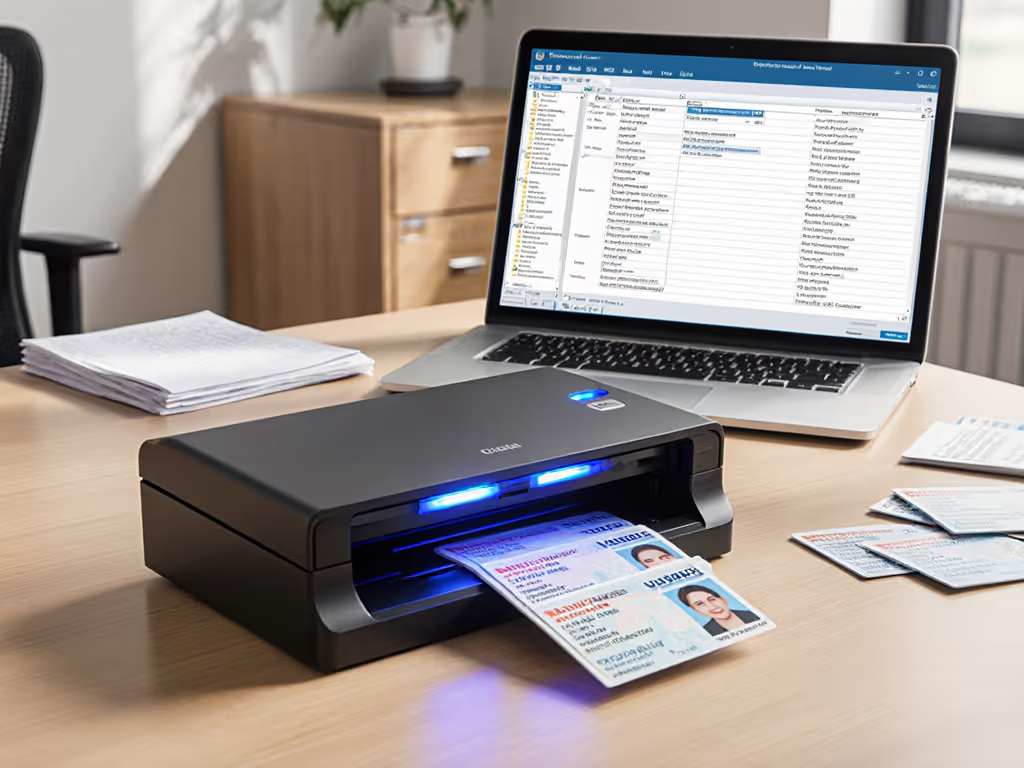
- ✅ Does it handle both passport-sized documents and standard receipts?
If your workflow survives this test, it'll handle your busiest travel weeks.
The One-Button Philosophy
When I set up scanning for a legal team handling cross-border cases, we reduced training time from 3 hours to 15 minutes by creating purpose-specific buttons: "Client Intake," "Expense Report," "Travel Docs." Each triggered the right settings, naming, and routing (no decisions required). One button, predictable result became their mantra, cutting scanning errors by 90%.
Your Actionable Next Step: Start With Tuesday
Don't overhaul everything today. Instead:
- Pick one recurring document type (travel receipts work well)
- Map your current steps from physical document to usable digital file
- Identify the single most frustrating step in that journey
- Solve just that step using automation or a better profile
Test your improved process with actual documents before your next trip. When nomads implement even one friction point fix, they typically save 3+ hours weekly (time that quickly adds up to extra destinations or deeper work).
True digital nomad scanning freedom isn't about fancy gear (it's workflows so intuitive they become invisible). Build systems where success doesn't depend on perfect conditions, but on consistent results no matter where you are. When your scanning process survives chaotic travel days, you'll have more energy for what really matters: your work and your adventures.
Related Articles