
Professional Document Scanners for Medical Device-EHR Integration
By Mei-Ling Tan • 24th Apr
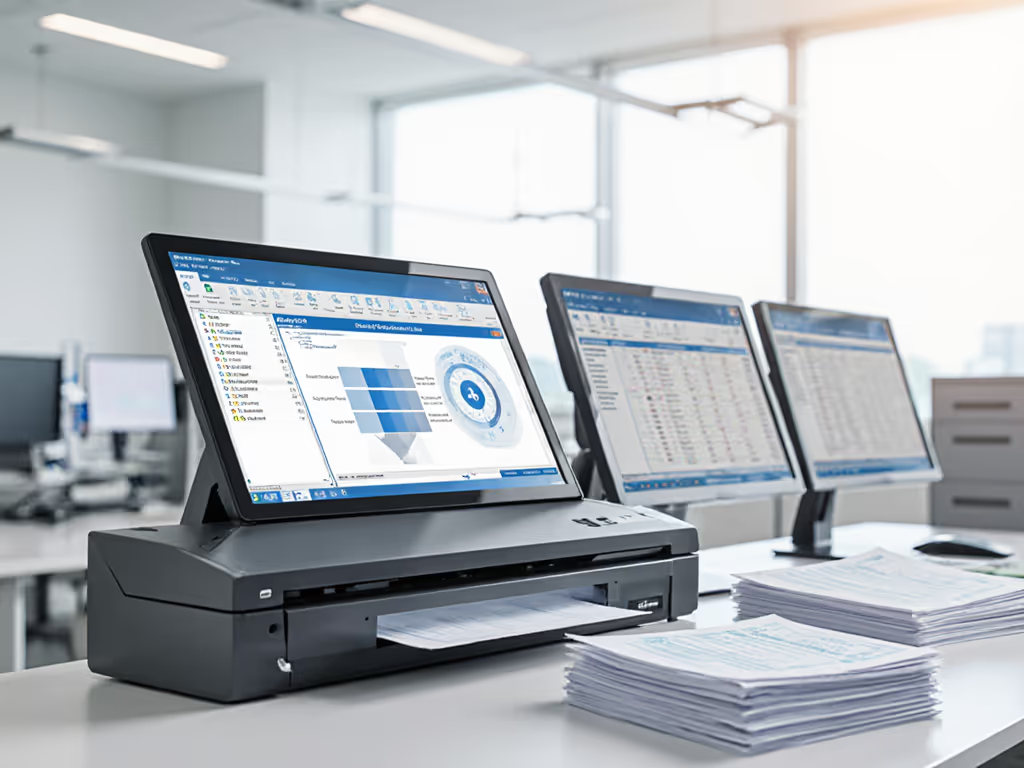
Selecting a professional document scanner for clinical environments isn't a technology procurement, it's a control decision. In healthcare workflows, where patient records feed directly into EHR systems and compliance audits scrutinize every capture path, the wrong device doesn't just slow down staff; it fractures data integrity, orphans documents, and exposes the practice to recall risk. This article cuts through vendor marketing to answer the questions that matter: Which scanners actually integrate with EHR platforms? What design choices protect against common failure modes? And how do you verify that a device will behave reliably under real clinical volume and mixed media?
Why Standard Desktop Scanners Fall Short in Clinical Settings
The Hidden Cost of "Easy Integration"
Most commercial document scanners promise cloud connectivity and EHR integration through desktop software, batch workflows, or cloud middleware. In practice, this often translates to a fragile web of TWAIN drivers, OAuth tokens, and vendor-supplied connectors that break the moment your EHR rolls out a security update or your IT team rotates API credentials. A practice that invests in a scanner expecting seamless SharePoint filing, only to discover that the device's SMB driver doesn't respect folder-level permissions or that patch updates break the indexing feed, faces a choice: live with manual workarounds or halt scanning entirely while support tickets languish.
I once observed a healthcare audit rehearsal where a "smart" scanner, one with built-in Wi-Fi and configurable output profiles, choked on wristband labels that deviated from standard size. The device lost index fields mid-batch, and staff had no way to know which documents were corrupted until they tried to retrieve them from SharePoint weeks later. The practice ultimately re-evaluated its entire feed: duplex sensors, error logging, and how exceptions surfaced. We introduced redundant capture paths so that if one route to the EHR failed, scanned images could still reach an immutable audit trail in a secondary location. The next compliance review recorded zero exceptions, and clinicians stopped dreading inspections because the process became predictable and traceable. For network and device hardening patterns, see our zero-trust scanner security guide.
Control Means Knowing When Things Break
A professional document scanner in a regulated setting must emit structured logs (not just "Job Complete") but rather: timestamp, page count, sensor readings, any duplex/simplex overrides, OCR confidence scores, and routing destination. If a batch of patient intake forms fails to reach the EHR, you need to know immediately, retrieve the originals from the ADF, and prevent the session from auto-archiving. Devices that prioritize user convenience over auditability are, by definition, unsuitable for compliance workflows. Reliability is a control measure; resilience must be designed, not hoped for.
FAQ: Professional Document Scanners for EHR Integration
Q: What does "EHR-integrated scanning" actually mean, and why can't I just use my multifunction printer?
A: True EHR integration means:
- The scanner connects directly (via HTTPS, SFTP, or authenticated API) to your EHR's document repository or a bridging system (e.g., a HIPAA-compliant MFT appliance or Power Automate workflow).
- Scanned images are tagged with structured metadata (patient ID, document type, date) before transmission, not after manual filing.
- The device and software maintain an immutable audit trail recording who scanned, when, what settings were used, and where the file was routed.
- OCR and image quality are high enough for clinical legibility and compliance (e.g., readable font sizes, no bleeding or truncation in margins).
- The workflow supports duplex scanning of multi-page documents and handles mixed media (different paper sizes, card stock for ID verification).
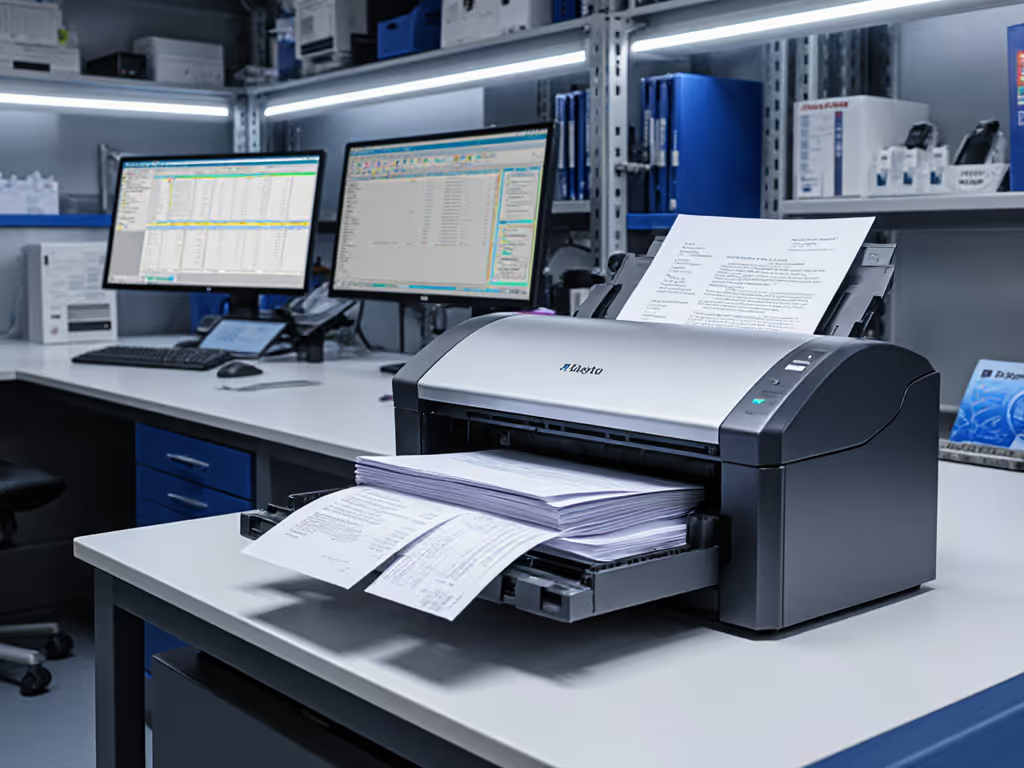
Multifunction printers bundle scanning with copying, printing, and faxing, which makes them generalizable but not specialized. They lack the dedicated jam-recovery logic, granular logging, and direct EHR connectors that clinical workflows need. Under high scanning volume, an MFP's scanner mechanism experiences accelerated wear because it shares duty with imaging engines. Moreover, MFP software often runs on embedded OS with limited update cycles, creating security gaps that remain unpatched. For a 10-30 person practice scanning 200-500 pages per day, a standalone scanner designed for continuous batch work (with verifiable logs, robust exception handling, and a driver ecosystem tied to your EHR) is not a luxury; it's the difference between a compliant process and a brittle one. See our healthcare-ready scanner recommendations curated for HIPAA-compliant EHR integration.
Q: Which scanner specifications actually matter for clinical documents?
A: Focus on these measurables:
- ADF capacity and jam recovery: A 50-sheet ADF is standard for batch work. More importantly, does the device preserve batch order and page count if a jam occurs? If it auto-clears jams (without alerting staff) or loses track of which page caused the exception, your intake forms or surgical reports may be orphaned or misfiled.
- Duplex speed and sensor reliability: Clinical documents are often two-sided. A device that scans both sides in a single pass at 25-50 pages per minute (ppm) in duplex mode reduces handling time and human error. However, duplex scanning is also where cheap sensors fail. If the scanner misses blank pages, double-feeds wrinkled pages, or skews images, OCR fails and searchability plummets.
- CCD sensors over CMOS: CCD (charge-coupled device) sensors are slower to degrade under continuous use and handle a wider range of media (thin receipts, thick cards, colored backgrounds). CMOS sensors are cheaper but often exhibit faster sensor aging and reduced accuracy on mixed stacks, a liability in clinical settings where patient IDs, consent forms, and insurance cards are scanned alongside standard paper.
- Driver stability and OS support: Does the scanner ship with drivers for Windows, Mac, and (if your practice uses Linux thin clients) Linux? Are drivers updated regularly, and does the vendor publish security advisories? If you rely on TWAIN drivers from 2023 and your OS updates in 2026, will scanning still work?
- HIPAA-compliant output: Can the device produce searchable PDFs with encryption at rest, PDF/A archival format, and metadata stripping to prevent embedded PII? Does the scanner support TLS 1.2+ for all network communications?
Redundancy is cheaper than downtime.
For clinical workflows, redundancy isn't excess, it's a control. If your single scanner fails mid-morning on a busy Monday, patient check-ins halt, discharge paperwork stalls, and staff resort to manual filing. A practice with two scanners of identical specifications and software versions can rotate maintenance, mirror profiles, and ensure that one remains operational.
Q: How do I know if a scanner will actually integrate with my EHR or EHR-adjacent systems?
A: Ask the vendor for:
- Proof of integration: A tested connector for your specific EHR (Epic, Cerner, Medidata, etc.) or a documented example of integration with a HIPAA-compliant file-share (SharePoint, OneDrive, Box, Dropbox via authenticated SMB or API).
- Pilot results: Case studies or reference customers in your specialty (dental, medical, therapy) who use the scanner in production and have published or shared feedback on uptime, exception rates, and OCR accuracy on their document types.
- Error handling specifications: How does the scanner behave when the network is unreachable, the EHR API quota is exceeded, or permissions are denied? Does it queue jobs, retry with exponential backoff, or fail silently?
- Logs and monitoring: Can you export structured logs (JSON or CSV) for compliance reviews? Can you set up alerts for failed jobs, and does the device support external logging (e.g., syslog or API webhook) so your IT team can centralize monitoring?
Vendors that deflect or offer only generic "cloud connectivity" are signaling that integration is assumed, not engineered, a red flag in regulated environments.
Q: What about OCR accuracy for clinical handwriting and scanned imaging?
A: Clinical documents present OCR challenges: physician handwriting, printed forms with colored backgrounds, stamps, appointment times scrawled in margins. Standard OCR engines trained on printed English or generic documents often fail here, returning confidence scores below 70% and producing non-searchable PDFs. To boost accuracy and choose the right engine, start with our reliable OCR implementation guide.
Instead of relying on the scanner's bundled OCR, evaluate:
- Professional OCR layers: Services like ABBYY, Amazon Textract, or Microsoft Document Intelligence (used as a post-processing layer after scanning) are trained on medical terminology, handwriting variants, and form structures. They cost $0.01-0.10 per page in SaaS fees but return 85-95% accuracy on mixed clinical media.
- Hybrid workflows: Scan at high resolution (300 DPI minimum for duplex) and archive the image. Run OCR asynchronously, patient check-in is not blocked waiting for OCR. Store both the original image and the OCR layer in the EHR so clinicians can review the source and fall back to images if OCR is unreliable for a specific page.
- Metadata tagging over text search alone: Instead of relying solely on OCR for discoverability, ensure that the intake form captures structured metadata (patient name, DOB, visit date) before scanning. The scanner logs this metadata alongside the image. This means you can find the record even if OCR fails.
Q: How do I prevent jams and mixed-media errors from derailing clinical workflows?
A: Jams are inevitable in high-volume settings. What matters is recovery:
- Sensor-based jam detection: The scanner should detect jams in the ADF, rollers, and output tray within one page of occurrence, halt immediately, and display a clear error code (not just "Jam Detected"). Staff should be able to clear the jam, close the access door, and resume the batch without losing page count or batch order.
- Batch mode with checkpoints: The scanner should allow staff to load a 50-sheet ADF batch, hit Start, and then load the next batch while the current one scans. If a jam occurs mid-first-batch, the device pauses, staff clear it, and the batch resumes. Once the first batch completes, its scanned images are immediately committed to the destination (EHR or archive) with full audit logs, so even if the second batch fails, the first is safe.
- Mixed-media presets: Clinical environments require quick switching between stacks of different sizes and stocks. The scanner should support named profiles (e.g., "Patient Intake," "Insurance Cards," "Surgical Reports") that staff can recall with one button. Each profile stores ADF sensitivity, page-size detection, color mode, and output destination. This eliminates manual tweaking and the errors that come with it.
- Media-sensing feedback: Devices with capacitive or optical media sensors can detect when paper is about to jam (e.g., a wrinkled page or doubled sheet) and alert staff before it reaches the rollers. This is not a gimmick, it directly reduces rework and orphaned documents.
The practice that suffered the wristband-label incident introduced a secondary validation step: after every batch of 25 pages, a staff member spot-checked the PDFs on-screen (image quality, OCR confidence, metadata tags). This took an extra 30 seconds per 25 pages but caught errors immediately, before they were archived and discovered during audit. Combined with redundant scan-to-SharePoint paths and immutable audit logs, the practice transformed a fragile workflow into one that could survive both hardware glitches and human lapses. For ongoing upkeep and jam prevention checklists, use our scanner maintenance guide.
Q: What does medical-grade scanner durability actually mean?
A: Durability in clinical settings means:
- MTBF (Mean Time Between Failures) of 50,000+ pages: Consumer scanners may be rated for 10,000-20,000 pages. Professional models, especially those with CCD sensors and reinforced roller mechanisms, are rated for 50,000-100,000 pages before maintenance. In a practice scanning 500 pages per day, 5 days per week, a 50,000-page MTBF device lasts roughly 2 years before preventive maintenance (roller/pad replacement); a consumer device may fail after 6-9 months.
- Roller material and automatic cleaning: ADF rollers wear fastest because they're in constant contact with paper. Professional scanners use rubberized roller materials that resist glazing (hardening) and include automatic or manual cleaning cycles. If your device's rollers glaze after 6 months, jams spike and OCR accuracy drops due to skewed images.
- Firmware and driver longevity: Will the vendor issue security patches and driver updates for this model for 5+ years? If the device goes end-of-life after 3 years, you'll be stuck on an older OS version when Windows or Mac rolls out major updates.
- Spare parts availability: If a roller fails, can you order a replacement kit for $50-100 and swap it yourself in 15 minutes, or must you mail the device back to the vendor and wait weeks?
A practice operating on a 3-5-year replacement cycle should choose a device with a published durability roadmap, not one marketed on "newest features."
The Role of Compliance Logging in Scanner Selection
In legal and healthcare contexts, your scanner is not just an input device, it's a compliance instrument. Every scan, failed routing, OCR attempt, and user action must be logged and preserved. This means:
- User authentication: Does the device log who scanned the batch (badge scan, password, Windows login)? Can you tie a scanned patient record to a specific staff member and timestamp?
- Output routing logs: If you scan to multiple destinations (EHR, SharePoint, archive), can you verify that all three received the image and that they all received the same version?
- Exception logs: When a jam occurs, an OCR confidence score falls below a threshold, or a network upload fails, is this logged with actionable detail (page number, error code, recovery action taken)?
- Retention and export: Can you export audit logs for a date range in a format your compliance officer can review (e.g., CSV or PDF report)? Are logs retained for 7+ years on an immutable store (cloud archive, WORM appliance)?
Devices that treat logging as an afterthought or hide errors in buried system logs are unsuitable. In regulated workflows, logging is not transparency, it's accountability.
Further Exploration: Selecting and Hardening Your Scanner Deployment
Choosing a professional document scanner for medical/EHR integration requires moving beyond specifications to operational reality. Start by mapping your clinical documentation workflow: Where do patient intake forms originate? At what point should they enter the EHR? Which documents require manual review before archival, and which can be auto-routed? Where does OCR fail, and what's your fallback (manual indexing, professional OCR service, human review)? Once you understand the workflow's fragility points, you can evaluate devices not on their features but on whether they mitigate those risks.
Second, pilot the scanner with your actual paper mix (patient intake, insurance cards, consent forms, surgical reports) for at least two weeks. Run your proposed batch workflows and monitor exception logs. A device that works beautifully with pristine, uniform paper may struggle with the wrinkled, coffee-stained reality of clinical environments.
Third, engage your EHR vendor or integrations team before purchasing. Verify that the scanner's output format, metadata schema, and routing method align with your EHR's document repository expectations. A mismatch discovered after deployment is expensive to reverse.
Lastly, design for failure, not just success. Redundancy is cheaper than downtime. Whether through a second scanner, a hybrid manual backup (image-processing service, temporary filing), or a secondary cloud archive, ensure that a scanner failure or software bug does not halt clinical workflows. Your staff will thank you, and your next compliance audit will confirm that you took control seriously.
Related Articles