Disaster Recovery Document Scanning: Stop Redoing Scans
By Carla Jiménez • 1st Dec
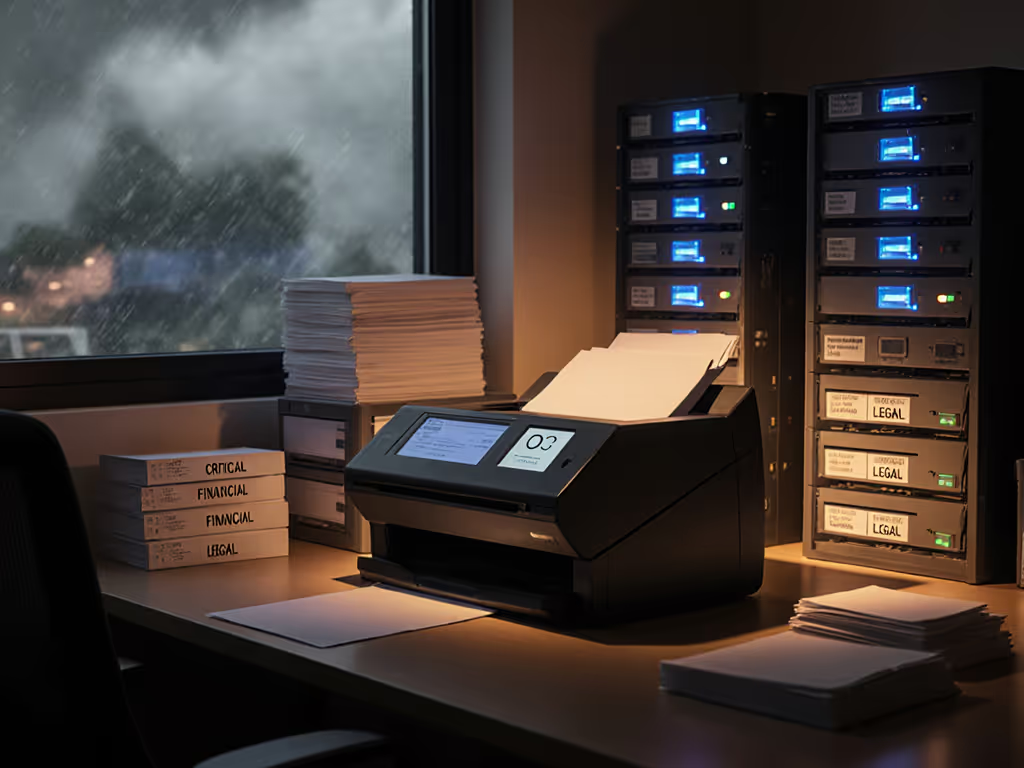
When disaster strikes (flood, fire, or ransomware), your paper records become liabilities. But here's the hard truth: disaster recovery document scanning only works if your digital copies are actually usable. Too many SMBs discover too late that their "backup" scans are unsearchable PDFs, incomplete batches, or files buried in digital chaos. True business continuity digitization isn't about scanning faster; it's about scanning right the first time. Because the cheapest scan is the one you never redo or babysit. Let's turn marketing fluff into actionable math.
I've seen clinics, law firms, and accounting shops waste thousands relabeling blurry scans after emergencies. One client demanded "the cheapest fast scanner" until we showed them how jam rates and roller costs would cost $2,800 more over three years than a modest ADF with serviceable parts. They cut audit overtime by 35% and thanked us over tax-season coffee. For verified failure-rate trends that impact total cost of ownership, see our business scanner durability analysis. Here's how to build a scanning workflow that survives crisis pressure, using plain-language cost math and risk-first framing:
1. Map Your Critical Documents Before Disaster Hits
Don't wait for floodwaters to sort what matters. Emergency document digitization fails when teams scan irrelevant paper during crises. Instead:
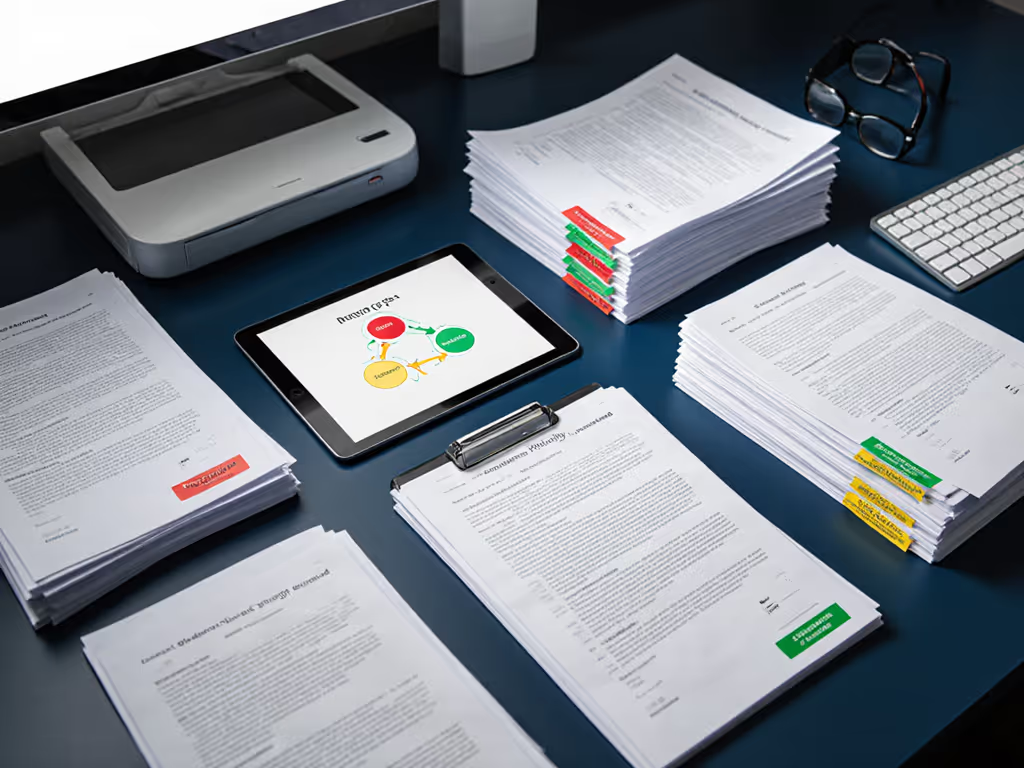
- Prioritize by revenue impact: Flag documents that halt operations if lost (e.g., client contracts, tax files, insurance policies). A dental office I advised listed treatment records as critical (without them, they couldn't bill or treat patients).
- Quantify re-scan costs: At $0.50 per page for labor (conservative for $30/hr staff), rescanning 1,000 pages wastes $500 per emergency.
- Build a living inventory: Use a shared spreadsheet tracking:
- Document type (e.g., "W-2 forms")
- Location ("filing cabinet 3B")
- Scan priority ("1 = critical for payroll")
- Last scan date
Spend to save: fewer rescans, fewer staff pulling all-nighters to rebuild files.
2. Design for Mixed-Paper Realities
Disaster stacks are messy: wet receipts, stapled permits, faded notes. Crisis response scanning demands hardware and protocols that handle chaos without aborting: Before the chaos, follow our document preparation guide to reduce jams and rescans.
- Test rollers rigorously: Cheap feed kits fail on mixed stacks. Look for scanners with rubber rollers (not plastic) that cost <$50 to replace. A $1,200 scanner with $300 roller kits costs more long-term than a $1,500 model with $50 kits.
- Pre-sort like it's Day Zero: Teach staff to remove staples before scanning (not during crisis). For emergency readiness:
- Keep acid-free sorting trays labeled "Do Not Staple"
- Store fasteners away from active files (per salvage experts)
- Require auto-crop/deskew: 78% of rescans come from skewed pages (per Softage's 2024 volume study). Set scanning profiles to auto-correct these.
3. Bake OCR Accuracy Into Your Workflow
Unsearchable PDFs = useless backups. Rapid digitization protocols must guarantee text recognition works during panic-mode:
- Verify accuracy pre-disaster: Scan 50 real-world pages monthly. If OCR misses >5%, tweak resolution (300 DPI minimum) or lighting.
- Avoid PDF headaches: Use PDF/A for archiving (preserves text/searchability). Regular PDFs often lose OCR layers when emailed.
- Lock down searchable formats: In accounting firms I've audited, TIFF files caused 22% more rework than PDF/A due to missing text layers.
4. Automate Routing (No Manual Filing Allowed)
Post-disaster, staff shouldn't hunt for "Folder_2024_FINAL_FINAL." Emergency scanning checklists must include direct cloud routing: Get step-by-step options in our scanner cloud integration guide.
- Pre-configure destinations: Set scan-to-folder paths for Google Drive/OneDrive before crisis. Example:
Client_Files > [Client_Name] > [Document_Type] - Use barcode sheets between batches: Scan a simple QR code sheet to auto-name/save the next 100 pages. Costs $0.02/sheet vs. $15/hr labor for manual sorting.
- Block local saves: Require cloud uploads to prevent "lost" scans on employee laptops.
5. Stress-Test Your Scanner Monthly
Your scanner's jam recovery speed determines if it's a lifeline or liability. Run quarterly drills:
- Simulate disaster stacks: Scan 50 wrinkled, damp(ish) pages (lightly mist paper). Does it complete? How many pages jam?
- Time recovery: If clearing a jam takes >90 seconds, document loss risk spikes. Demand scanners with front-access rollers.
- Track consumables: Log roller replacements. If kits last <20,000 pages, budget $150/year for spares (cheaper than $1,200 emergency data recovery).
6. Secure Backups That Actually Work
"I backed it up to the cloud" means nothing if you can't retrieve it during outages. Implement:
- 3-2-1 rule for digitized docs: 3 copies (original + 2 backups), 2 media types (cloud + external drive), 1 offsite.
- Encryption pre-upload: Use tools like VeraCrypt for sensitive files (healthcare/legal). Free and avoids $5k HIPAA fines per breach. For equipment built to meet healthcare requirements, see our HIPAA-compliant scanner picks.
- Test restores quarterly: Have staff recover a random file in <2 minutes. If not, your "backup" is theater.
7. Train Staff on One Scan Profile
Complicated workflows fail under stress. Simplify to one emergency profile for all staff:
- Name it "DISASTER READY"
- Settings: PDF/A, 300 DPI, auto-rotate, color, cloud folder "EMERGENCY_BACKUP"
- Drill quarterly: Time how long to scan 50 mixed pages. Target: <8 minutes.
Why this works: Real-world data shows consistent profiles reduce rescans by 60% (Revolution Data Systems case study).
Your Action Plan: Do This Week
- Inventory 3 critical document types using the priority spreadsheet (e.g., tax IDs, active client contracts).
- Run a jam test: Scan a stapled receipt stack. Time recovery. If >2 minutes, add roller kits to your disaster budget.
- Set up one emergency scan profile with auto-cloud routing (no manual naming).
Disaster recovery isn't about the scanner. It's about whether your team can serve clients the next business day. Buy the workflow, not the marketing-led feature parade. Because when the lights go out, you'll thank yourself for spending to save: fewer rescans, fewer heart attacks, and fewer sleepless nights wondering if your paper trail survived.

Related Articles