Your Document Scanner as Workflow Automation Engine
By Luca Moretti • 17th Dec
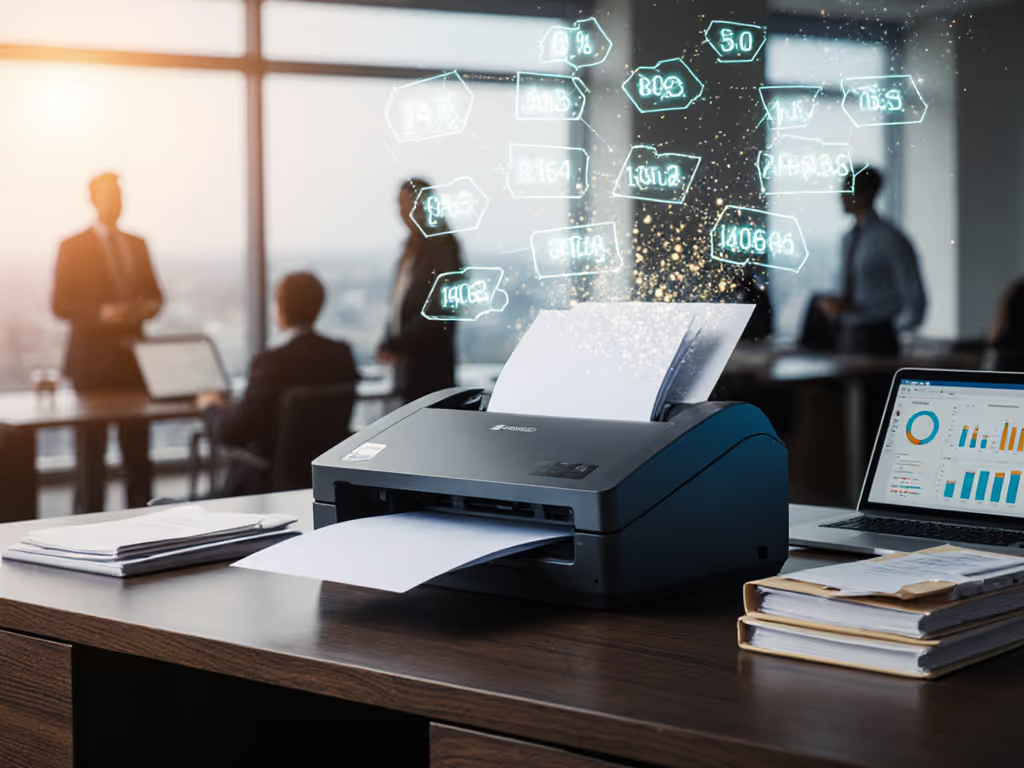
Most businesses treat their document scanner as a simple digitization tool, but when properly integrated with intelligent document processing, it becomes the engine of your workflow automation. A well-architected scanner workflow automation system transforms paper processing from a bottleneck into a strategic asset, delivering genuine zero-touch document capture through robust business process integration. Forget merely converting paper to digital. Your scanner should function as a workflow engine that intelligently routes information to where it's needed.
Why treat your document scanner as a workflow engine rather than just a digitization tool?
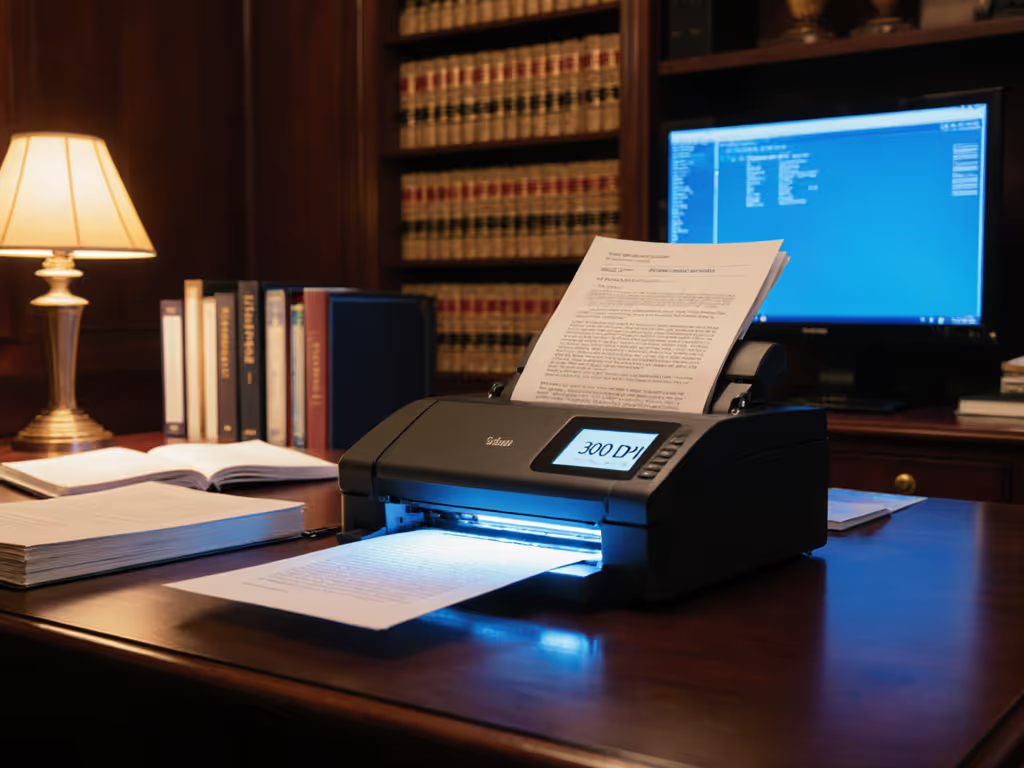
The distinction lies in outcomes. Basic scanning captures images; scanner workflow automation captures business value. When your document scanner integrates with intelligent document processing, it transforms from a passive device into an active participant in your business processes. Consider this: a single scan job for a law firm shouldn't merely produce a PDF (it should automatically route client intake forms to the correct matter folder in SharePoint with proper metadata, trigger a client welcome email, and create a task in your case management system).
If integrations are fragile, the workflow isn't real. Many organizations implement scanning solutions that work perfectly during setup but fail during routine Windows updates or cloud service authentication changes. These implementations create more work than they eliminate, requiring constant babysitting that negates any productivity gains. To reduce breakage from vendor updates, compare platforms using our scanner API comparison.
How does intelligent document processing move beyond basic scanning?
Intelligent document processing brings three critical capabilities to scanner workflow automation:
- Context-aware processing: Instead of treating all scans as generic documents, IDP recognizes document types (invoices, client forms, receipts) through barcode detection, layout analysis, or content patterns
- Automated routing logic: Documents get routed based on business rules rather than manual intervention (financial documents to accounting systems, client materials to case management platforms)
- Self-correcting workflows: When exceptions occur (like a misfed page), the system logs errors and applies corrective actions without requiring full job restarts
Consider the transformation experienced by a small legal practice I worked with: their scans vanished whenever Windows updated due to brittle driver dependencies. We rebuilt their pipeline using a vendor-neutral approach: TWAIN to watch folder, barcode separation, then Power Automate to SharePoint with versioning and alerts. After that, updates happened seamlessly, documents landed reliably, and nobody needed to ask, 'Did the scanner lose it?'
What critical components enable true zero-touch document capture?
Achieving genuine zero-touch document capture requires attention to these often-overlooked elements:
- Authentication stability: Credentials that survive cloud service updates without manual re-entry
- Routing durability: Logic that persists through Windows updates and service interruptions
- Error handling protocols: Clear paths for exceptions rather than complete workflow failure
- Vendor-neutral connections: Protocols that don't lock you into specific ecosystem dependencies
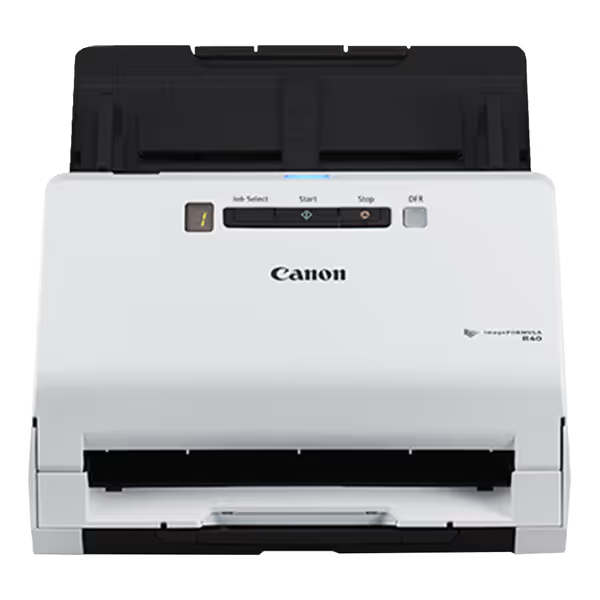
Canon imageFORMULA R40
Fast, high-quality duplex scanning for various documents, Windows and Mac.
$239
Scanning Speed (Duplex)Up to 80 ipm
Scanning Speed (Duplex)Up to 80 ipm
Pros
Rapid duplex scanning of diverse document types.
User-friendly setup and high-quality results.
Includes Canon software, Readiris PDF/OCR, and Cardiris.
Cons
Known software compatibility issues with Mac Ventura/Windows 10.
Reports of TWAIN driver errors and scanner malfunction.
Customers find the scanner easy to use, with quick setup and high-quality results, and appreciate its fast scanning speed and crisp picture quality. The functionality receives mixed feedback - while the automatic document feeder works flawlessly, some report the scanner not working properly. Moreover, the software compatibility is problematic, as it doesn't work with Mac Ventura OS and Windows 10, and customers report TWAIN driver errors. Value for money opinions are divided between those who consider it excellent value and those who find it overpriced.
Customers find the scanner easy to use, with quick setup and high-quality results, and appreciate its fast scanning speed and crisp picture quality. The functionality receives mixed feedback - while the automatic document feeder works flawlessly, some report the scanner not working properly. Moreover, the software compatibility is problematic, as it doesn't work with Mac Ventura OS and Windows 10, and customers report TWAIN driver errors. Value for money opinions are divided between those who consider it excellent value and those who find it overpriced.
The Canon ImageFORMULA R40 exemplifies hardware that supports these requirements with its broad OS compatibility and straightforward integration paths, though hardware is only half the equation. Without stable routing logic, even the most advanced scanner becomes just an expensive paperweight during system updates.
How should businesses approach scanner-to-cloud integration for maximum reliability?
Map the route before you scan. This principle applies at both technical and strategic levels.
For small business operations, the most reliable approach follows this minimalist architecture pattern:
- Configure scanner to deposit to a watched folder (not directly to cloud services)
- Implement folder monitoring with checksum verification
- Establish authenticated, token-based cloud connections with automatic refresh
- Create routing rules based on filename patterns or barcode content
- Implement error logging that notifies staff of failures without interrupting the workflow
This stepped integration-first approach means when Windows updates occur, only the final routing step might require attention (not the entire scanning process). For architecture patterns and authentication pitfalls, see our scanner-to-cloud integration guide. Integrations should click once and stay clicked through updates.
What metrics actually matter for scanner workflow automation ROI?
Forget pages-per-minute specs; track these workflow-level metrics instead:
- Time-to-digital: Minutes from document stack to properly filed, searchable asset
- First-pass yield: Percentage of documents requiring zero manual intervention
- Integration stability: Days between required workflow reconfigurations
- User independence: Staff members who can successfully run scans without IT support
Small businesses implementing robust scanner workflow automation typically see 40-60% reductions in document processing time, with integration stability being the most significant predictor of sustained ROI. To make those documents truly usable, follow our guide to reliable OCR for searchable scans. Those with brittle connections find themselves constantly adapting to updates rather than benefiting from automation.
What's the most reliable path to business process integration for scanner workflows?
Favor solutions that embrace open standards and minimal moving parts. The strongest implementations use:
- Standard protocols: TWAIN/ICA for scanning rather than proprietary SDKs
- Intermediate storage: Watched folders rather than direct-to-cloud scanning
- Cloud-agnostic routing: REST APIs rather than single-platform integrations
- Log-first troubleshooting: Comprehensive error logs that pinpoint integration failures
This vendor-neutral approach ensures your scanner workflow automation survives technology changes without requiring complete rebuilds. When evaluating solutions, ask: 'Will this still work after next month's Windows update without me touching it?' To remove manual pre-scan sorting entirely, explore hands-off pre-scan AI classification.
What should small businesses prioritize when implementing scanner workflow automation?
Begin with the most fragile elements first (the connections between systems). Map the full journey from paper to final destination, then strengthen each handoff point:
- Scanner to local storage: Verify stable drivers across all staff machines
- Local storage to cloud: Implement robust folder monitoring with error handling
- Cloud storage to business systems: Create rules-based routing with fallback options
Prioritize reliability over features. A simple workflow that consistently delivers documents to the right place is infinitely more valuable than a complex system that requires weekly maintenance. The most successful implementations I've seen follow this pattern: they do fewer things, but they do them consistently through updates and system changes.
Your document scanner can transform from a maintenance headache into a silent productivity engine, but only when built with integration durability as the core principle. When you design your scanner workflow automation to withstand the inevitable technology changes, you move from reactive document management to proactive information flow that genuinely supports your business objectives. The question isn't whether you can automate scanning; it's whether your automation will endure when it matters most.
Related Articles