FIPS Document Scanners: Government Buyer's Guide
By Luca Moretti • 31st Mar
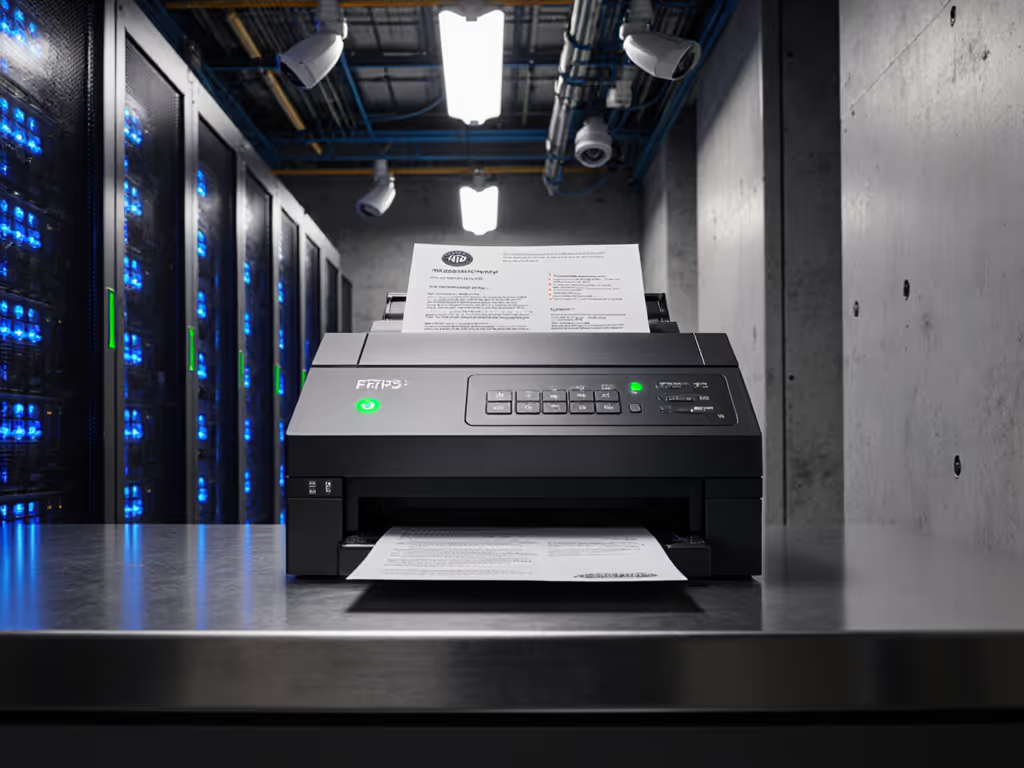
FIPS compliant document scanners have become non-negotiable for federal agencies, contractors, and any organization handling sensitive government data. But "FIPS-compliant" means something very specific, and the difference between a vendor's marketing claim and actual certification can cost you compliance violations, rework, and audit exposure. This guide cuts through the noise and shows you exactly what government agency scanning solutions must deliver, how FIPS certification actually works, and how to build a scanning pipeline that survives your next Windows update. For building the right connectors, start with our scanner cloud integration guide.
What Does FIPS Compliance Really Mean for Document Scanners?
FIPS stands for Federal Information Processing Standards, a set of security requirements developed by the National Institute of Standards and Technology (NIST).[1] For cryptographic modules (which include the security features in scanners and their cloud connectors), the relevant standard is FIPS 140-3 (with FIPS 140-2 still accepted until September 2026).[1][2]
Here's the critical distinction: FIPS certified is not the same as FIPS compliant.[1] A device is FIPS certified only if it has been independently tested and validated by NIST-accredited labs through the Cryptographic Module Validation Program (CMVP).[1] Self-declared "FIPS compliance" means nothing. Vendors can claim it without proof. NIST is explicit: "Use of cryptographic modules that are not FIPS validated is a violation of the FISMA requirement for using validated cryptography."[1]
For federal agencies and their contractors, the mandate is clear: validation is not optional. But for small businesses and nonprofits working with government data, the same principle applies. If your scanned documents contain sensitive information, and you're routing them through the cloud, that pipeline (from scanner to storage) must use validated encryption and key management.
What Security Requirements Does FIPS 140 Actually Cover for Scanning Workflows?
FIPS 140-2 outlines eleven specific areas of security scrutiny.[3] Not all apply equally to document scanners, but the ones that do are mission-critical:
Cryptographic Key Management [3]: How encryption keys are generated, stored, and rotated. A scanner that encrypts data in transit but stores keys in plaintext, or uses the same hardcoded key across all devices, fails this requirement.
Ports and Interfaces [3]: Secure network communication. If your scanner talks to OneDrive or SharePoint, that connection must use validated cryptographic protocols, not just any TLS implementation.
Roles, Services, and Authentication [3]: Access control. Who can scan? Who can route to which cloud location? Can you revoke access without touching every device? Weak authentication here is a real compliance gap.
Specification and Design Assurance [3]: The cryptographic modules must be formally designed and documented in a way that third-party auditors can verify.
Physical Security and Tamper Detection [3]: The scanner's electronics should resist physical attack or tampering that could expose keys or data.
Self-Test and Mitigation of Other Attacks [3]: The device must validate its own cryptographic functions on startup and during operation, catching failures before data leaves the scanner.
The key insight here is that scanning hardware alone is not what gets certified. The cryptographic module (the software and firmware that encrypts, authenticates, and routes data) is the thing NIST validates. The scanner's document feeder, OCR engine, and UI are not part of the FIPS certification. You can have a FIPS-validated encryption module sitting inside a budget-friendly scanner, or a fancy high-speed device with no cryptographic validation at all.
This distinction matters because it changes how you evaluate devices. You're not buying "a FIPS scanner." You're buying a scanner whose secure communication and encryption stack has been independently validated.
How Do FIPS Requirements Impact Government Agency Scanning Solutions?
Federal agencies and contractors operating under FISMA, FedRAMP, or DoD security mandates must use FIPS-validated cryptography. No exceptions.[1][8] This affects three core areas of your scanning workflow:
1. Encryption in Transit
When a scanner sends a PDF to OneDrive, SharePoint, Google Drive, or Dropbox, every byte must be encrypted using a validated algorithm and key. The scanner's firmware must be built with a FIPS-certified cryptographic module that handles TLS handshakes, certificate validation, and data encryption. If the vendor is using a generic, non-validated TLS library or a homegrown encryption wrapper, it won't pass audit.
Vendor-neutral wording matters here: ask specifically for the cryptographic module's CMVP certificate number, not just a checkbox that says "FIPS mode available." You can verify every NIST-validated cryptographic module in the public CMVP database.[5] If it's not listed, it's not certified.
2. Authentication and Key Management
Government systems often use certificate-based authentication (mTLS) or OAuth with multi-factor authentication. A FIPS-compliant scanning solution must support these without leaking credentials or storing them in readable form.
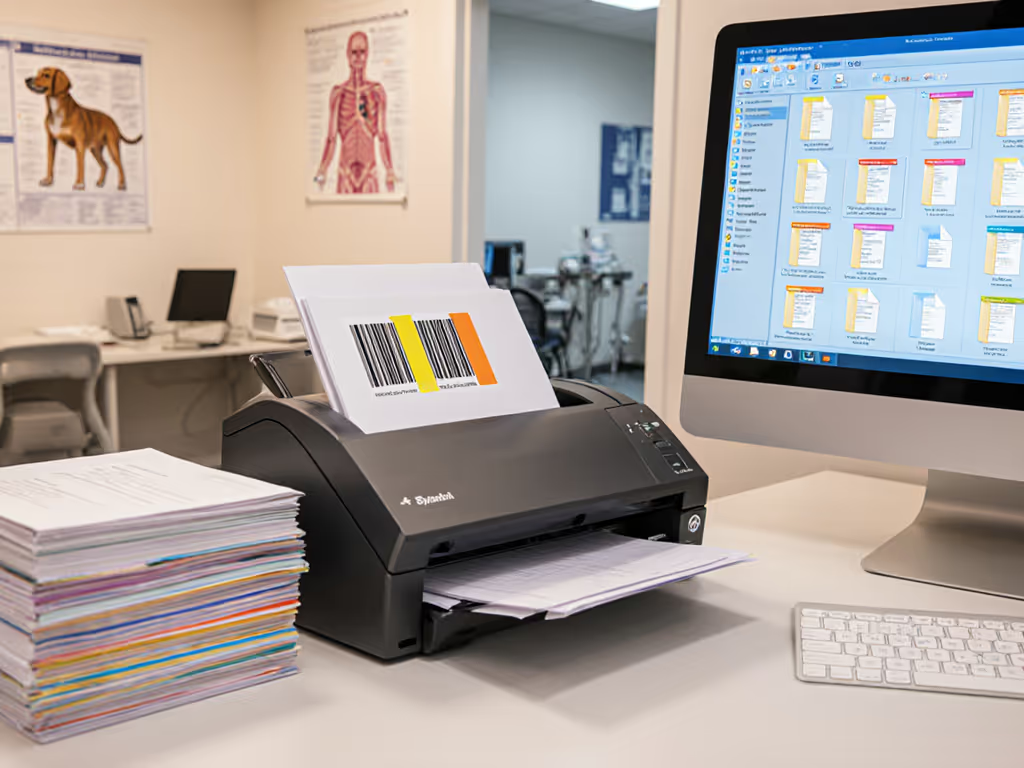
I worked with a small law firm that lost all their scans during a Windows security update. The old pipeline stored SharePoint credentials in the scanner's firmware, and when the network restarted, the connection broke and the batch queue hung. We rebuilt it with zero stored credentials: TWAIN driver sending files to a watch folder, a barcode patch sheet for separation, then a Power Automate flow to SharePoint with versioning and email alerts. If you're choosing capture protocols, see our TWAIN vs ISIS guide for compatibility trade-offs. After that, updates happened, documents landed reliably, and nobody asked, "Did the scanner lose it?" The lesson: integrations should click once and stay clicked through updates. That's only possible if authentication is handled by a trusted, centralized service, not baked into the scanner.
3. Audit Logs and Compliance Trails
FIPS 140 requires self-test and operational logging.[3] Every scan routed to a government location must leave a traceable record: who scanned it, when, what destination, success or failure. This log must be tamper-evident and, ideally, sent to a central SIEM (Security Information and Event Management) system. Cheaper scanners often skip this entirely or write logs only to the device's local storage, which fails audit on the first data recovery attempt.
FAQ: Government Buyers' Most Common FIPS Scanning Questions
Q: Do I need a FIPS-certified scanner if I'm just a contractor working on federal projects?
A: If you handle any sensitive but unclassified (SBU) or controlled unclassified information (CUI), yes. FISMA requirements apply to contractors as well as agencies.[1][8] For defense contractors handling CUI, review our FAR/DFARS scanner requirements for 2025 updates. Your procurement team likely has a list of pre-approved solutions; if not, they'll require CMVP certification during the vendor audit. Better to know now than to deploy a device and face a security finding later.
Q: Can I use a commercial scanner if I buy a FIPS-certified encryption module separately?
A: Theoretically, yes, but it's fragile. Adding an external encryption device (a USB hardware security module, for instance) between a scanner and cloud storage creates a middle-layer dependency. If the scanner's firmware or the HSM driver updates, the bridge can break. Use the simplest connector that doesn't require aftermarket layers: buy a scanner whose embedded cryptographic module is already CMVP-certified, tested as an integrated unit, and signed off by the vendor. Vendor lock-in stings, but a broken integration during a government audit stings worse.
Q: What about scanning to email or SMB shares instead of cloud?
A: Scan-to-email and SMB are older, less flexible, but still used in many agencies. Email (SMTP/TLS) must use validated encryption; SMB shares (typically over Kerberos or NTLMv2 on government networks) must be authenticated securely. The same CMVP validation applies, and the cryptographic module handling the TLS or Kerberos handshake must be listed. However, email introduces its own compliance gaps: government SMTP servers enforce strict TLS versions, SPF/DKIM signing, and often throttle outbound attachments. A dedicated cloud connection (OAuth to OneDrive or FedRAMP-approved cloud) is usually more reliable.
Q: How long does FIPS certification stay valid?
A: FIPS 140-2 certificates are valid until NIST retires the standard (September 2026, currently).[1][2] FIPS 140-3, approved since 2019, is the new standard; NIST began accepting submissions in 2020.[7] After the sunset date, federal agencies will be required to migrate to FIPS 140-3 validated devices. If you're buying today, prioritize vendors who've already completed or are in-process for 140-3 certification. Asking a vendor, "What's your FIPS 140-3 roadmap?" is a pragmatic due-diligence question.
Q: If I buy a FIPS-certified scanner, do I still need to worry about my cloud provider's compliance?
A: Yes. FIPS certification on the scanner ensures the encryption and authentication from the scanner meet federal standards. But the cloud destination (OneDrive, SharePoint, Google Drive, Box, or a private server) must also be FedRAMP authorized or meet your agency's security requirements.[4] The scanner is one link in the chain; if the cloud provider is not approved, the data is still at risk. Verify that your chosen cloud destination is on your agency's Authorized SaaS list or FedRAMP Marketplace.
What Does a Real Government Scanning Workflow Look Like?
Here's a step-by-step breakdown of how a FIPS-compliant pipeline should work, and what to audit:
1. Preparation: Scan profiles are pre-configured by job type (invoices, intake forms, contracts, receipts). Each profile specifies OCR, deskew, color mode, and destination.
2. Authentication: The scanner connects to a government cloud service (OneDrive, SharePoint, or agency-hosted service) using OAuth 2.0 with certificate-based or multi-factor credentials. No usernames or passwords are stored on the device.
3. Scanning: Documents are fed through the ADF. The scanner performs auto-crop, blank-page removal, and deskew. Duplex scanning is enabled. Mixed sizes and orientations are handled.
4. Encryption: The PDF (and any OCR data) is encrypted using a FIPS-validated algorithm (AES-256 with a NIST-approved key derivation function). The encryption key is generated, rotated, and managed by the cryptographic module, not hardcoded.
5. Routing and Metadata: The scanned file is named according to the profile rule (e.g., Invoice_Vendor_Date.pdf or ClientName_Matter_Bates.pdf). Barcode or patch-sheet separation is applied if the job includes multi-batch scanning.
6. Transmission: The encrypted file is sent to the cloud destination over authenticated, encrypted TLS (version 1.2 or higher). The cryptographic handshake uses a CMVP-validated module.
7. Logging: The scanner logs the scan date, time, user (if available), destination, file name, and result (success/failure). This log is sent to a central audit server.
8. Verification: Once the file lands in the cloud destination, the receiving system verifies the hash, decrypts it with the authorized key, and indexes it for search. A confirmation is sent back to the scanner's audit log.
This workflow is reliable, auditable, and repeatable. A scanner missing any of these steps is not truly FIPS compliant, just FIPS adjacent.
Avoiding Common FIPS Compliance Pitfalls
Pitfall 1: Confusing "FIPS Mode" with Certification
Many vendors offer a "FIPS Mode" toggle in their software, implying that turning it on makes the device compliant. This is misleading. FIPS certification is a third-party validation of the cryptographic module. Turning on a software flag doesn't change that. Always verify the vendor's CMVP certificate number in the public database.[5]
Pitfall 2: Overlooking Firmware Update Policies
Firmware updates can break FIPS compliance if they introduce non-validated code or disable security features. Ask vendors about their firmware-update process and whether NIST re-certifies after major updates. The log-first troubleshooting mindset: if a firmware update breaks your scanning workflow, you need to know immediately from logs, not from user complaints.
Pitfall 3: Ignoring the Integration Chain
A FIPS-certified scanner connected to a non-compliant cloud service or a broken OAuth flow is no longer compliant. To harden this chain, implement a zero-trust scanner security architecture. Every link in the chain (scanner, network, authentication service, cloud storage, and audit logging) must meet government standards. If any link is weak, the workflow is fragile.
Pitfall 4: Missing Consumables and Support
Government deployments often require spare rollers, maintenance kits, and vendor support contracts. FIPS-certified scanners are sometimes more expensive to maintain because parts are restricted to validated suppliers. Budget for this. Ask vendors for a three- to five-year total cost of ownership, including all consumables and support.
Pitfall 5: Assuming Desktop/Laptop Integration Works Out of the Box
Many organizations scan to local watch folders and then rely on a sync client (OneDrive, Google Drive) to push to the cloud. This introduces an extra dependency: the sync client's version, the OS update cycle, network interruptions. Integrations should click once and stay clicked through updates. A scanner with direct cloud integration (scanning straight to OneDrive or SharePoint without a local sync layer) is simpler and more reliable.
Actionable Next Steps for Government Buyers
Step 1: Verify Your Compliance Requirements
Contact your compliance or procurement team. Ask: "Are we required to use FIPS-validated cryptography for document scanning?" If the answer is yes, ask for the relevant standard (FISMA, FedRAMP, DoD IL rating) and any pre-approved vendor or product lists.
Step 2: Check the CMVP Database
Visit the public Cryptographic Module Validation Program database and search for the vendor's cryptographic module certificate.[5] Confirm:
- The module is certified (not just compliant).
- The certificate is still active or has a roadmap to FIPS 140-3.
- The validation scope matches your use case (e.g., it validates TLS, OAuth, and AES-256).
Step 3: Request a Deployment Plan from the Vendor
Ask for a written plan showing:
- How the scanner's cryptographic module meets your standard.
- Which cloud services it integrates with and whether those services are authorized.
- Firmware-update policy and re-certification process.
- Audit logging: what is logged, where logs are stored, how they are protected.
- Support and maintenance: consumables, spare parts, expected lifespan.
Step 4: Pilot with One Device and Real Workflows
Before deploying fleet-wide, test with a single scanner in your actual environment:
- Scan typical mixed batches (duplex, different sizes, OCR-heavy documents).
- Route to your actual OneDrive, SharePoint, or agency cloud.
- Run for two weeks and monitor logs for failures, authentication issues, or performance degradation.
- Simulate a Windows or network update and confirm the scanner reconnects reliably.
- Ask: "Did it click once and stay clicked?"
Step 5: Document and Audit Your Deployment
Keep a deployment record:
- Device model, serial number, firmware version, cryptographic module version.
- Cloud destination and authentication method.
- Scan profile definitions and rules.
- Consumables replacement schedule.
- Log retention policy (recommend at least 12 months for government audit).
Once deployed, run a log audit every quarter: confirm that every scan is logged, no errors are hidden, and the audit trail is complete.
The Bottom Line
FIPS-compliant document scanners are not a checkbox. They are a prerequisite for federal work. But compliance is only as strong as your integration. A FIPS-certified scanner connected to a fragile, manual workflow is not compliant; it's just expensively configured.
Build from the cloud backward: start with your authorized storage (OneDrive, SharePoint, FedRAMP-approved service), then choose a scanner whose cryptographic module is validated to communicate securely with that service. Skip the aftermarket layers. Verify credentials are centralized, not stored on the device. Log everything, and audit logs regularly.
If your scanning solution survives your next Windows update without rework, and every document lands searchable and secure, you've got compliance. To ensure "searchable" every time, follow our reliable OCR guide for government workflows. Until then, you've just bought an expensive compliance risk.
Related Articles