Time-Saving Automated Redaction Workflows Simplified
By Taye Okonkwo • 13th Jan
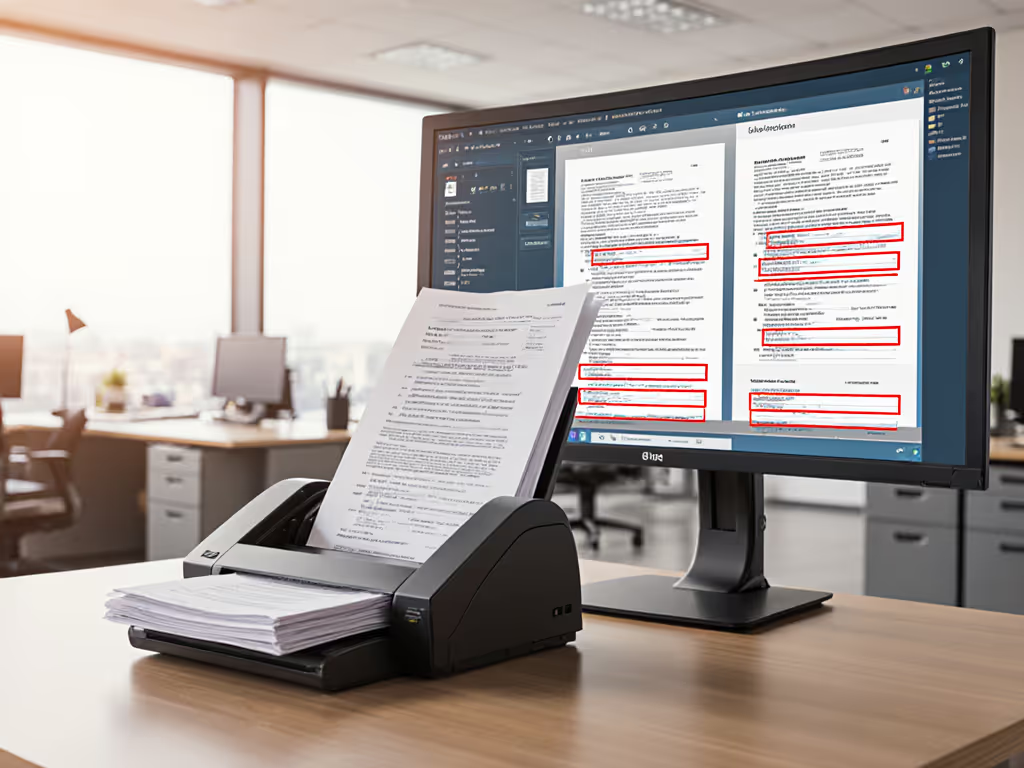
You've been manually blacking out sensitive details in documents for years, but those redaction workflows are eating up hours of your team's time. Document redaction scanning done right shouldn't feel like an obstacle course (it should be seamless, reliable, and simple enough that even your busiest staff member can complete it without breaking stride). When we implement properly designed automated redaction workflows, your team spends less time hunting for Social Security numbers in PDFs and more time on the work that actually moves your business forward. Let's tackle your most pressing questions about making redaction a non-event in your daily operations.
Why does manual redaction take so much longer than we expect?
You're not imagining it: manual redaction is a classic time sink disguised as a simple task. Think about your last document review: someone had to open each file, carefully search for protected information, decide what needs masking, then apply black boxes that don't accidentally cover important content. One study found that manual redaction processes consume up to 70% more staff hours than teams initially budget for, mostly due to the mental fatigue of sustained attention required.
The real issue isn't just the physical act of redacting; it's the constant decision fatigue. Should this phone number be redacted? What about this internal project code? Teams end up double-checking everything 'just to be safe,' creating a bottleneck nobody planned for. This is exactly why we mapped out steps at that busy nonprofit intake center years ago (volunteers were spending Monday mornings apologizing for backlog instead of helping clients).
How does automated redaction actually work for non-technical staff?
Great question, and the answer is simpler than you might think. Modern automated redaction workflows function like a knowledgeable assistant who's memorized every rule you need. Instead of hunting through documents yourself, your scanner or software does the heavy lifting using predefined rules:
- You set up patterns once (like 'Social Security numbers' or 'medical record IDs')
- Your system automatically flags or removes these elements during scanning
- Staff review only the suggested redactions with clear visual indicators
- One click applies all approved changes
The magic happens behind the scenes with pattern recognition that identifies personal identifiers without needing AI PhDs to operate it. For PII protection scanning, think of it as setting up filters that catch specific information types before documents even leave your scanner. Properly configured systems apply these rules consistently across every document type (from patient intake forms to legal affidavits) without staff needing to remember different protocols for different files. To see how pre-scan classification can route documents automatically, read our pre-scan AI routing guide.
One button, predictable result: that's what happens when your least technical team member can process documents without hesitation.
What makes an automated redaction solution actually stick in a busy office?
This is where most implementations fail. Teams invest in sophisticated tools only to see them collect dust because they're too complex for daily use. The secret? Design for the person who's busiest and least tech-savvy on your team. If your front desk clerk can't operate it between patient check-ins, it won't survive Monday morning.
Look for these practical features that ensure adoption:
- One-touch execution: Complete workflows initiated with a single button press
- Visual confirmation: Clear before/after views that require minimal interpretation
- Cloud routing integration: Documents automatically file to the right Drive or SharePoint folder Get practical setup tips in our scanner-to-cloud integration guide.
- No retraining needed: Consistent behavior whether handling a single page or 200-page batches
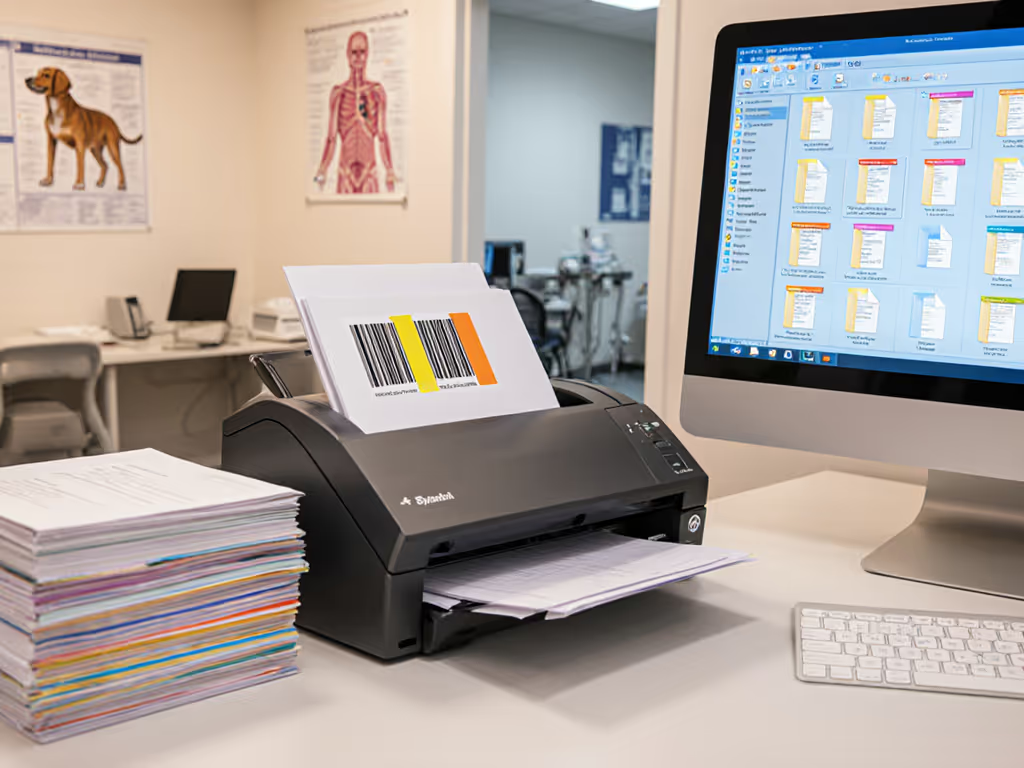
Remember the nonprofit volunteers who dreaded their scanner? We added simple barcode coversheets that told the machine exactly where to route documents after redaction. Their biggest victory wasn't the technology; it was watching temporary staff confidently process documents without constant supervision. That's the benchmark: if it's fiddly, it won't survive Monday morning.
How do I get started without disrupting our current workflow?
Start smaller than you think. Pick one recurring document type that causes the most redaction headaches (maybe patient intake forms or vendor contracts). Then follow these steps:
- Identify your redaction patterns: List exactly what needs hiding (account numbers, names, etc.)
- Create a test batch: Gather 10-15 representative documents
- Map your destination: Determine where redacted files should live (Google Drive folder, client record, etc.)
- Build one simple profile: Configure your scanner with just these settings
Test this profile with your least experienced staff member. If they complete the task without asking for help, you've got a winner. If not, simplify further. The goal isn't maximum automation: it's minimum friction. You'll know you've succeeded when your staff doesn't even mention the redaction process anymore because it's become invisible.
Do automated redaction workflows actually help with compliance?
Absolutely, and this is where they pay for themselves. If you're in healthcare, review our HIPAA-compliant scanner recommendations to pair your redaction workflow with secure capture hardware. HIPAA redaction tools and GDPR document redaction systems do more than just hide information; they create verifiable protection that stands up to audits. Consider these tangible compliance benefits:
- Consistent application of rules across every document, eliminating human oversight gaps
- Complete audit trails showing exactly what was redacted and when
- Secure information masking that prevents accidental disclosures during sharing
- Version control ensuring redacted documents can't be mistakenly replaced
For healthcare offices, this means patient records stay protected without slowing down front-desk operations. Legal teams can share documents knowing sensitive information won't slip through. And when auditors come calling, you'll have documentation proving your redaction process is reliable, not just occasional. That peace of mind is worth more than any time savings, though most teams recoup their investment through reduced staff hours alone.
Your Actionable Next Step
Don't overhaul your entire system today. Instead, pick one document type causing the most redaction headaches and run this 15-minute experiment:
- Gather 5-10 examples of this document
- Highlight every piece of information you routinely redact For faster, error-free test runs, follow our document preparation checklist.
- Note where these documents live after processing
- Create one dedicated scan button/profile for this specific task
Test it with your busiest team member during their natural workflow. If they complete it without pausing to ask questions, you've found your starting point. Build from there, one document type at a time, until redaction becomes invisible in your operations.
Remember what happened at that nonprofit intake center: with the right low-friction setup, their backlog vanished in one afternoon. You don't need complex systems: you need reliable, teachable workflows that work for everyone on your team. When your least technical person succeeds first, everyone wins. That's the power of smart automation done right.
Related Articles